



YOUR EVERYDAY ROTATION
Some albums
deserve the front row.
Pin albums, artists, songs, and playlists. Give your favorites more room, then arrange them your way.
MusiHome for iPhone
An Apple Music player that feels like you.
Bring your favorite music together.
Arrange it, play it, make it yours.
Coming soon to iPhone
Works with your Apple Music library.
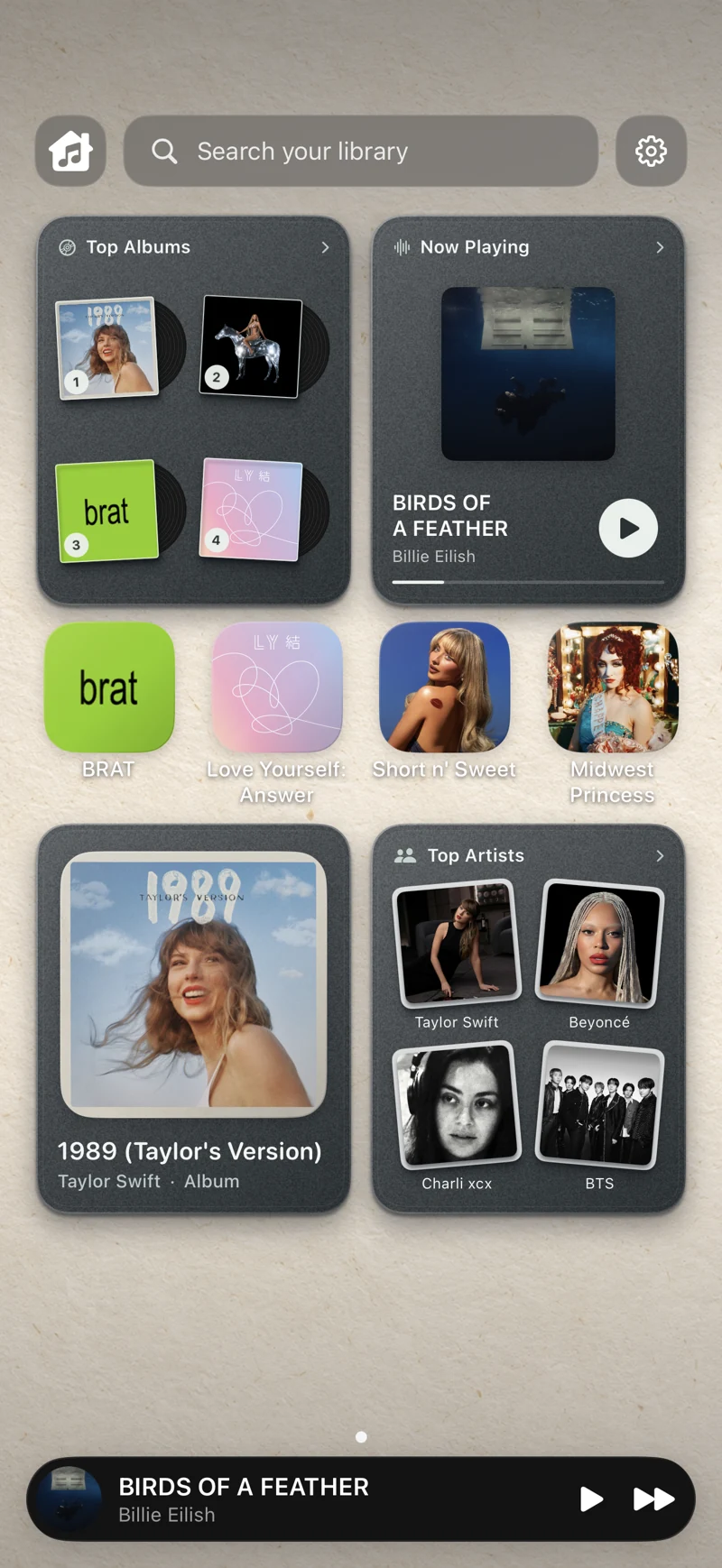
KEEP YOUR FAVORITES CLOSE
Turn the music you love into a space you love opening.
YOUR EVERYDAY ROTATION
Pin albums, artists, songs, and playlists. Give your favorites more room, then arrange them your way.
A PLACE FOR YOUR PEOPLE
Keep the artists you love in view. Add your own photos and artwork to make it even more personal.
OLD FAVORITES. NEW OBSESSIONS.
Recently added albums, most-played favorites, and Now Playing. Useful little windows into your library.
SEE HOW IT FEELS
Start with your library. Make a little room for your favorites. And make yourself at home.
Watch MusiHome in 18 secondsReal app footage · Example library
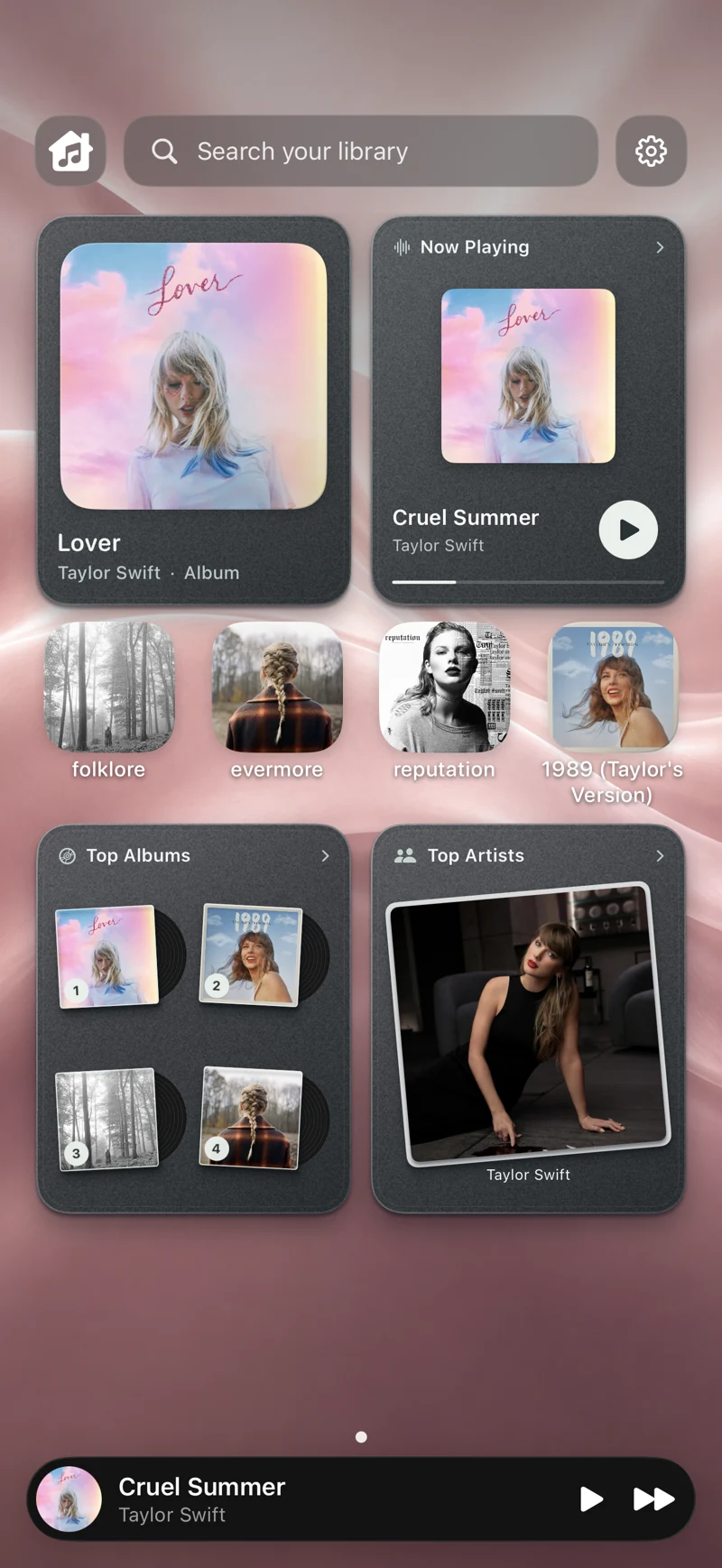
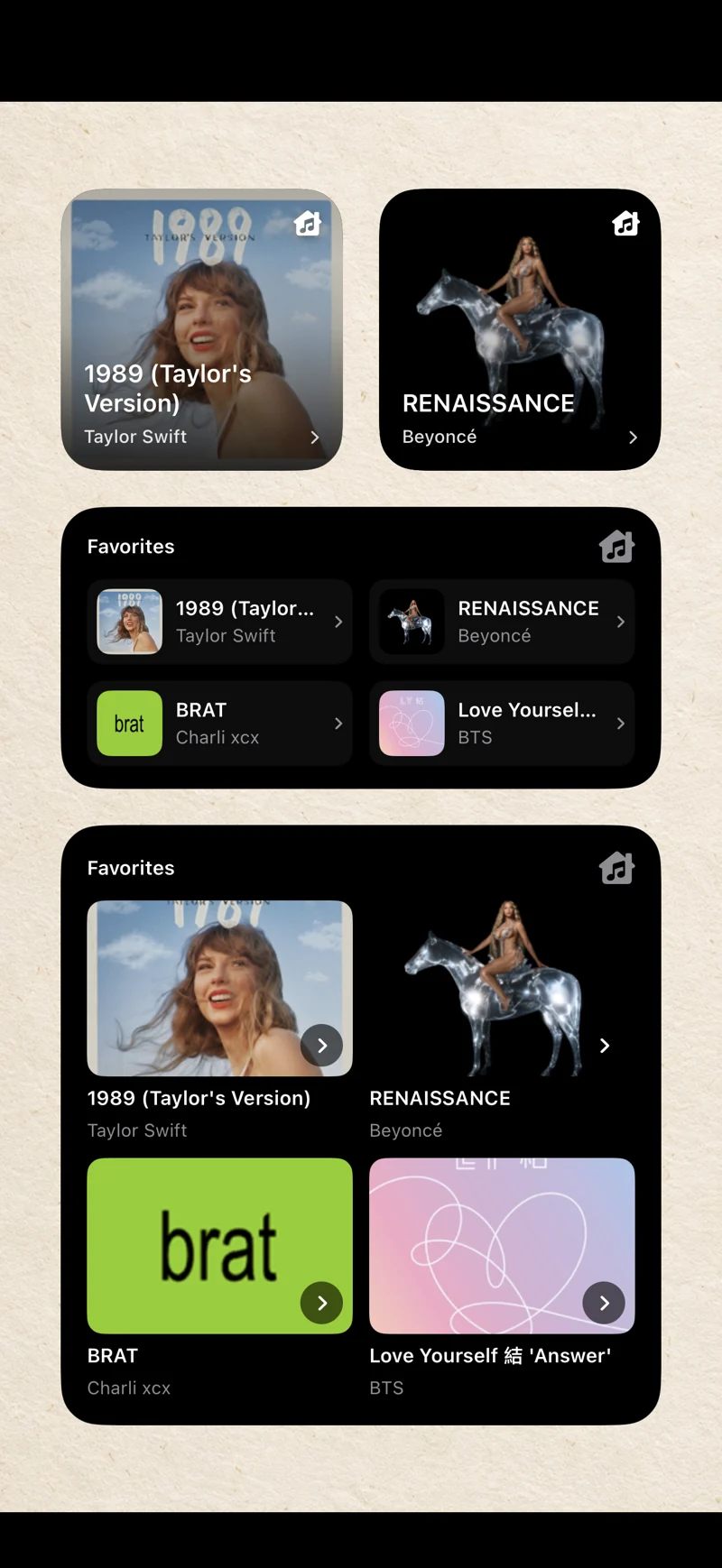 YOUR IPHONE HOME SCREEN
MAKE IT YOURS
Give your collection its own character. A favorite photo. A different wallpaper. A folder for every mood.
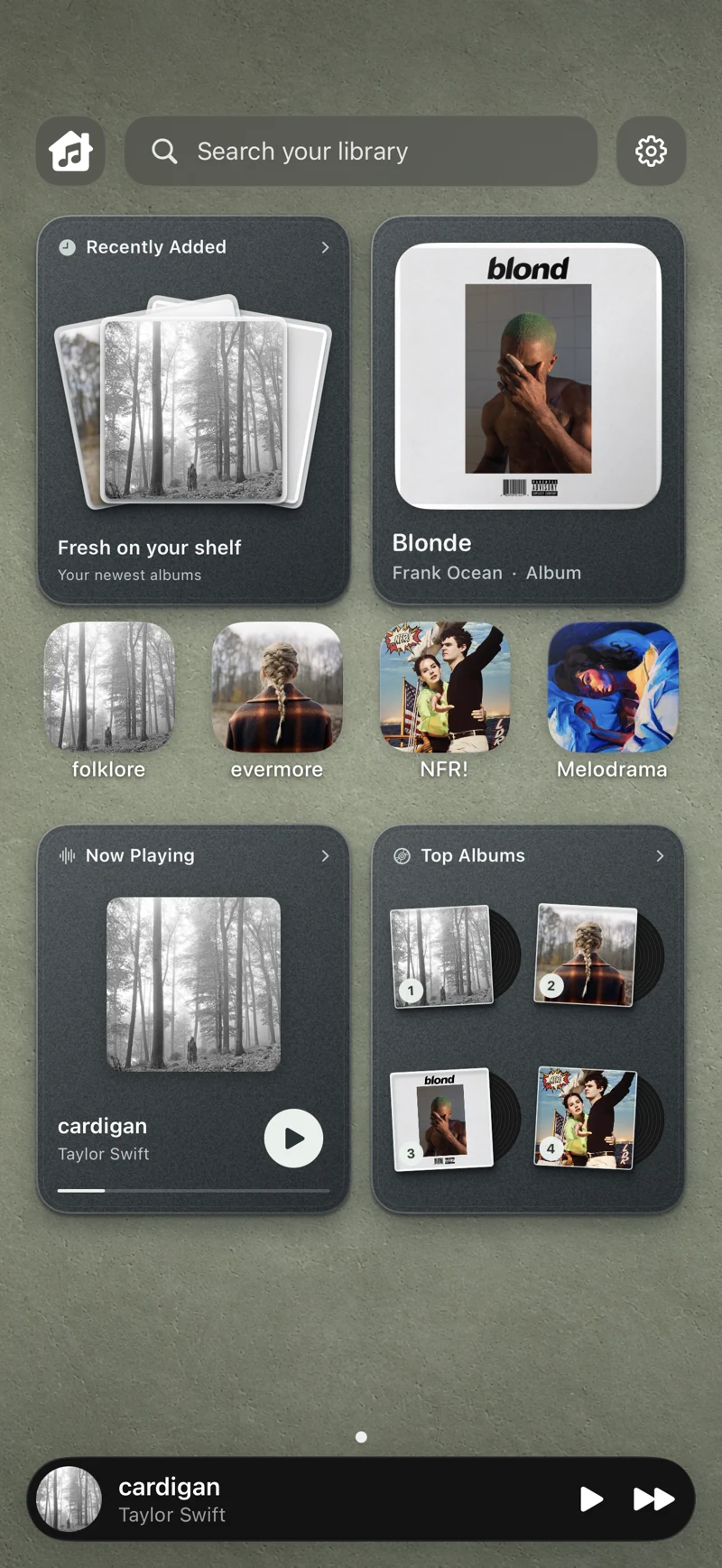
A personal music wall for iPhone. It brings albums, artists, songs, and playlists from your Music library into one visual space, with pages, widgets, and your own layout.
You need to allow access to your iPhone’s Music library. An Apple Music subscription is needed for subscription streaming content; it’s separate from MusiHome. MusiHome doesn’t provide music or connect to Spotify.
Choose your layout, change the artwork, create folders, and add photo tiles. Bring your collection together with wallpapers and an app icon that suit your style.
Tapping a Home Screen widget opens the selected music’s details in MusiHome. It doesn’t start or change playback. Open the details, then choose what to play.
No MusiHome account is required. Your wall is saved on your device. The current app has no ads or tracking SDKs. Read our privacy policy for details about music access, artwork services, and optional diagnostics.
MusiHome is getting ready for its iPhone release. This site will link directly to its App Store listing when it’s available. Until then, explore the real app previews here.

MUSIHOME FOR IPHONE
The same library.
A place that feels a little more like you.
Coming soon to iPhone